The text expander you pay for once — not every month.
Stop retyping the same sentences all day. Type quick shortcuts like ;intro or ;thanks and watch them expand into full paragraphs anywhere in your browser. Private, offline, and yours forever.
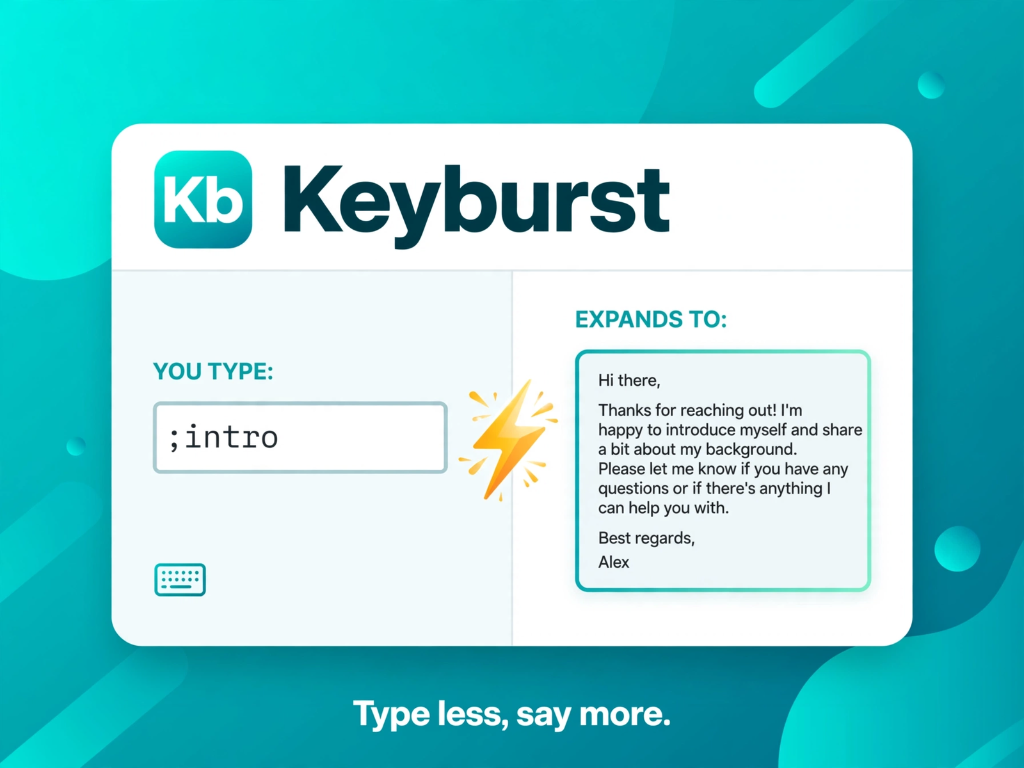
⚡ Instantly expands across your entire web workflow
Why pay rent for software you run on your own machine?
Most text expanders force you into a perpetual $40–$100/year subscription. Keyburst has zero servers to maintain, so we don't charge you monthly rent.
Keyburst
- ✓ Pay once, yours forever
- ✓ Chrome, Edge & Safari only
- ✓ Up to 3 browsers activation
- ✓ 100% private (zero cloud sync)
- ✓ Instant delimiter expansion
TextExpander
- ✕ Recurring annual fee
- ✕ Cloud account required
- ✕ Keystrokes sent to servers
- ✓ Team sharing
Text Blaze
- ✕ Subscription renewal emails
- ✕ Requires hosted account
- ✕ Complex nested menus
- ✓ Form assistant
Raycast Pro
- ✕ $96 billed every year
- ✕ Mac-only desktop app
- ✕ Heavyweight ecosystem
- ✓ AI commands bundle
See what your time is worth
Adjust the sliders to estimate how many hours and keystrokes you'll save each year.
Engineered to be fast, dumb, and invisible.
No bloated AI upsells, no cloud logins, no complex folder trees. Keyburst does one job and does it flawlessly.
Instant Trigger Expansion
Type your trigger like ;thanks followed by Space, Tab, or Enter. Expansion executes in under 5 milliseconds with native DOM caret placement.
100% Private by Architecture
Zero telemetry, zero keystroke logging, zero cloud sync. All your snippets live exclusively inside your browser's local storage.
Dynamic Variables
Insert dynamic values effortlessly with {date} for today's date and {cursor} to land your typing caret right where you need it.
One-Click CSV & JSON Import
Leaving TextExpander or Text Blaze? Migrate your library in 3 seconds. Import CSV or export JSON backups anytime with zero vendor lock-in.
Toolbar Search & Quick Copy
Forgot a shortcut? Click the toolbar popup icon, type to search your snippets instantly, and click to copy straight to your clipboard.
Password Safety Guard
Keyburst automatically ignores password fields, disabled inputs, and hidden frames to safeguard your sensitive credentials.
Popular Snippets to Steal Today
Click any snippet below to copy it into your own text expander library.
One payment. Own it forever.
No recurring subscriptions, no renewal anxiety, no surprises.
Starter
Everything you need to try text expansion on your daily browsing.
- ✓ Up to 5 custom shortcuts
- ✓ Works on all websites & text inputs
- ✓ Space, Tab, and Enter delimiter keys
- ✓ 100% offline & local storage
- ✓ Import & export via CSV / JSON
Pro Lifetime
For power users, founders, salespeople, and support teams.
- ✓ Unlimited shortcuts (no 5-snippet limit)
- ✓
{date}and{cursor}snippet variables - ✓ Activate on up to 3 browsers (Chrome, Edge & Safari)
- ✓ Free lifetime updates
- ✓ Priority email support
- ✓ 30-day money-back guarantee
Frequently Asked Questions
Everything you need to know about Keyburst and how it works.
chrome.storage.local). The extension has no analytics, no keystroke loggers, and zero tracking. The only network call made is when validating your Pro license against Lemon Squeezy's official licensing API.